Case study
MieronVR
MieronVR makes Virtual Reality NeuroTherapy for rehabilitation, pain management and wellness, used in clinics and at home. Their site has to explain something new to clinicians, care teams and families, then make the next step easy: book a demo. We built their site and look after it.
- Business
- Virtual reality therapy
- Where
- Long Beach, California
- What we run
- Website
The live home page, recorded from mieronvr.com.Visit the live site (opens in a new tab)
What they needed
Explain a new kind of therapy, then make a demo easy to book.
Virtual Reality NeuroTherapy is new to most people. A therapist wants to know how it is used in rehab, a clinic manager wants to know which version fits, and a family wants to know if it works for someone they love.
Each of them needs a clear answer and one obvious next step.
- 3
- product lines on the home page, each with its own Book a Demo button
- 2
- ways to book a demo from the foot of every page: email or phone
What we built
A clear product story, with the next step always in reach.
The home page moves from what the therapy is, to what it helps with, to which product fits. Every page ends with a way to book a live walkthrough.
01
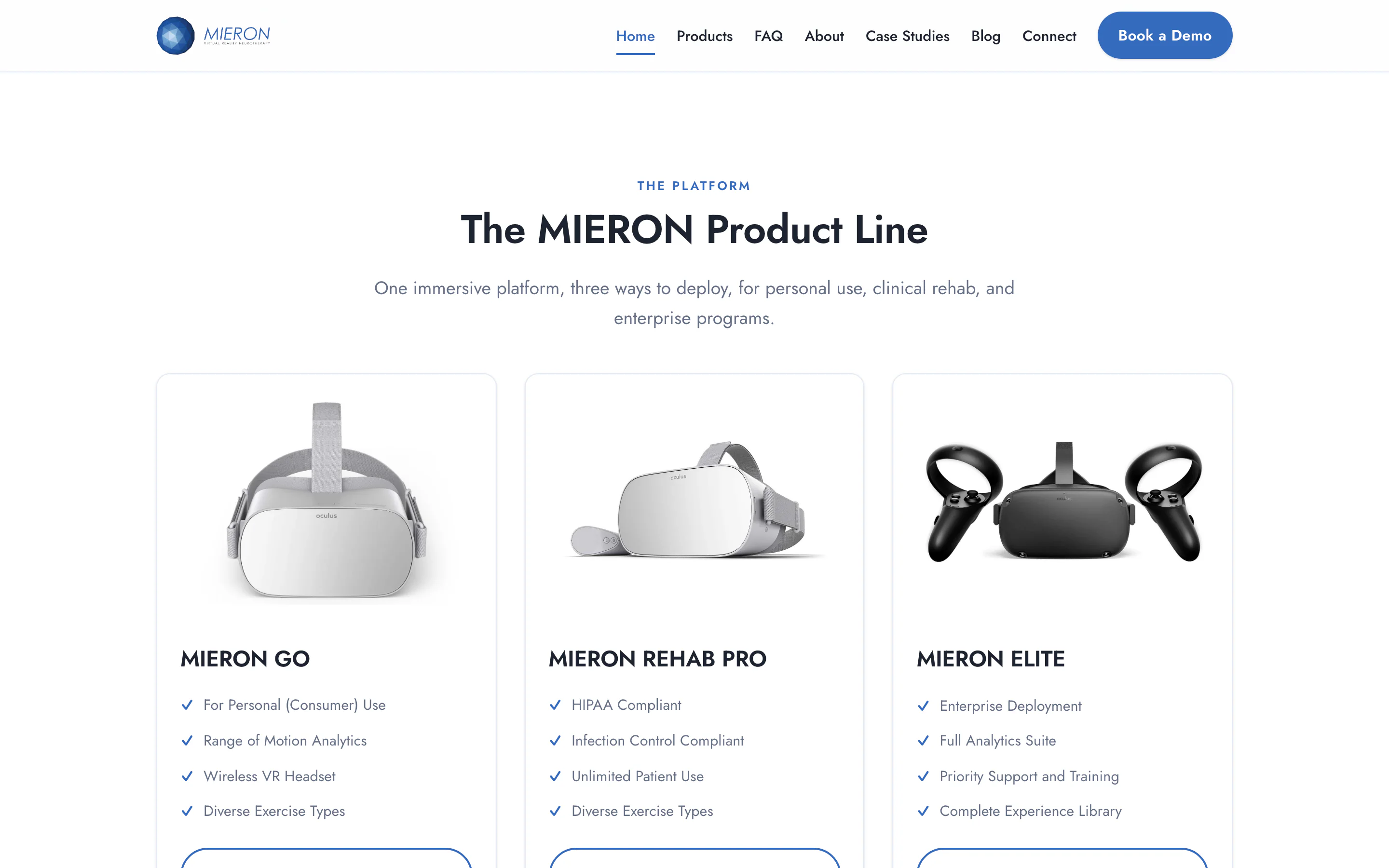
Three product lines, side by side
Mieron GO for personal use, Mieron Rehab Pro for clinics and Mieron Elite for larger programs sit next to each other, each with its key features in a short list.
Every card has its own Book a Demo button, so the choice and the next step are in the same place.
02
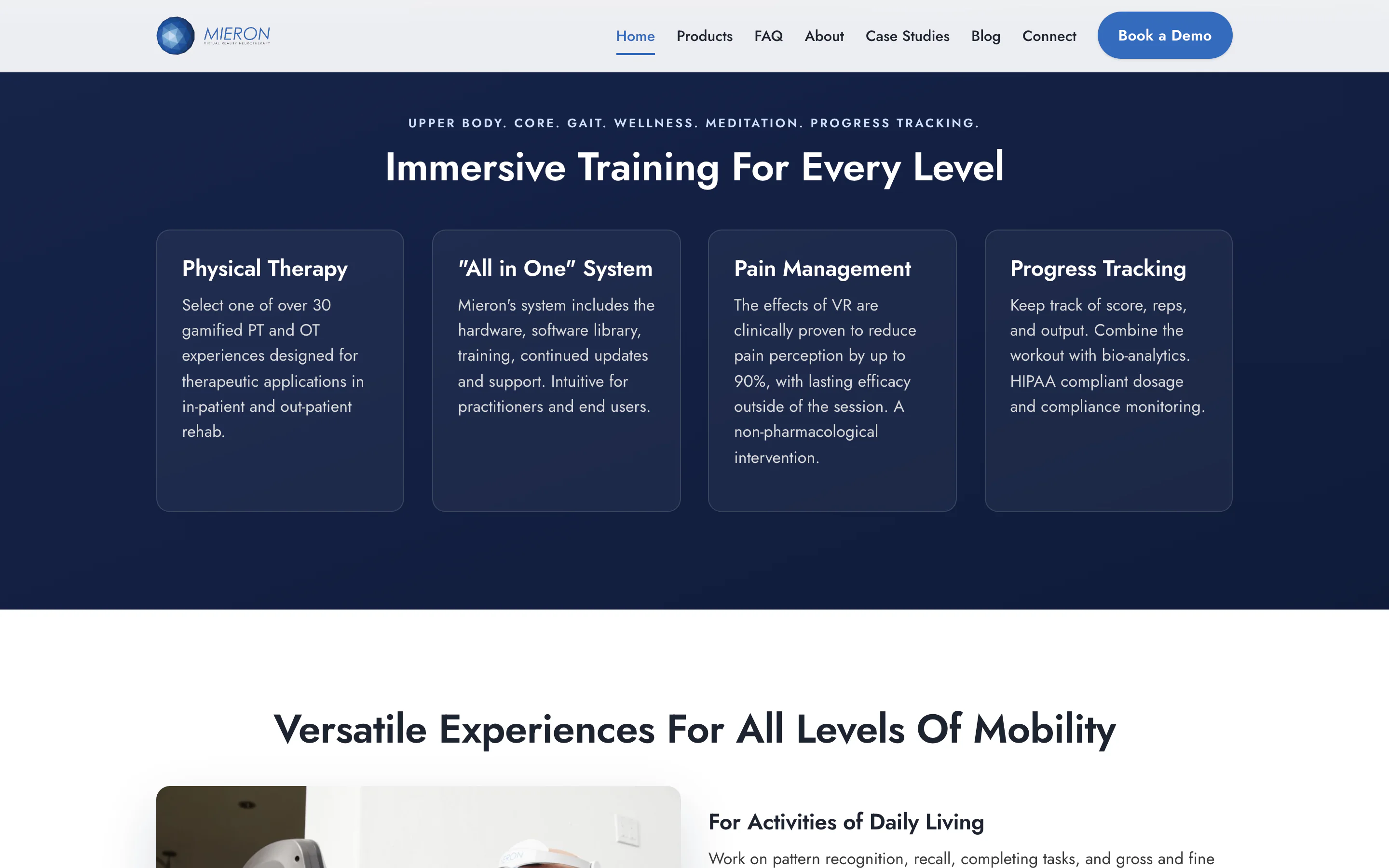
What it does, in plain terms
Short sections cover physical therapy, the all-in-one system, pain management and progress tracking, then the activities of daily living it is designed around.
Get the Whitepapers buttons appear through the page, for clinicians who want the research behind it.
03
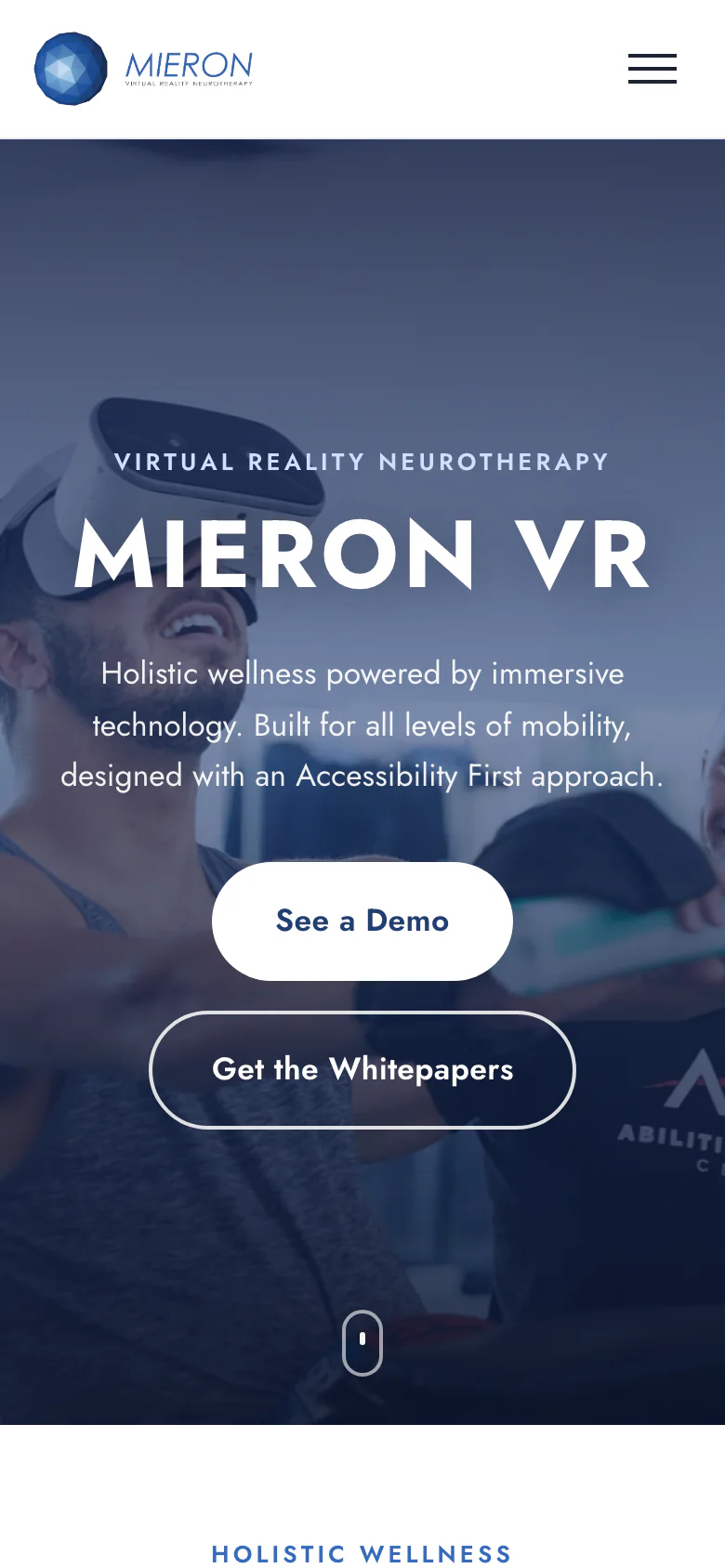
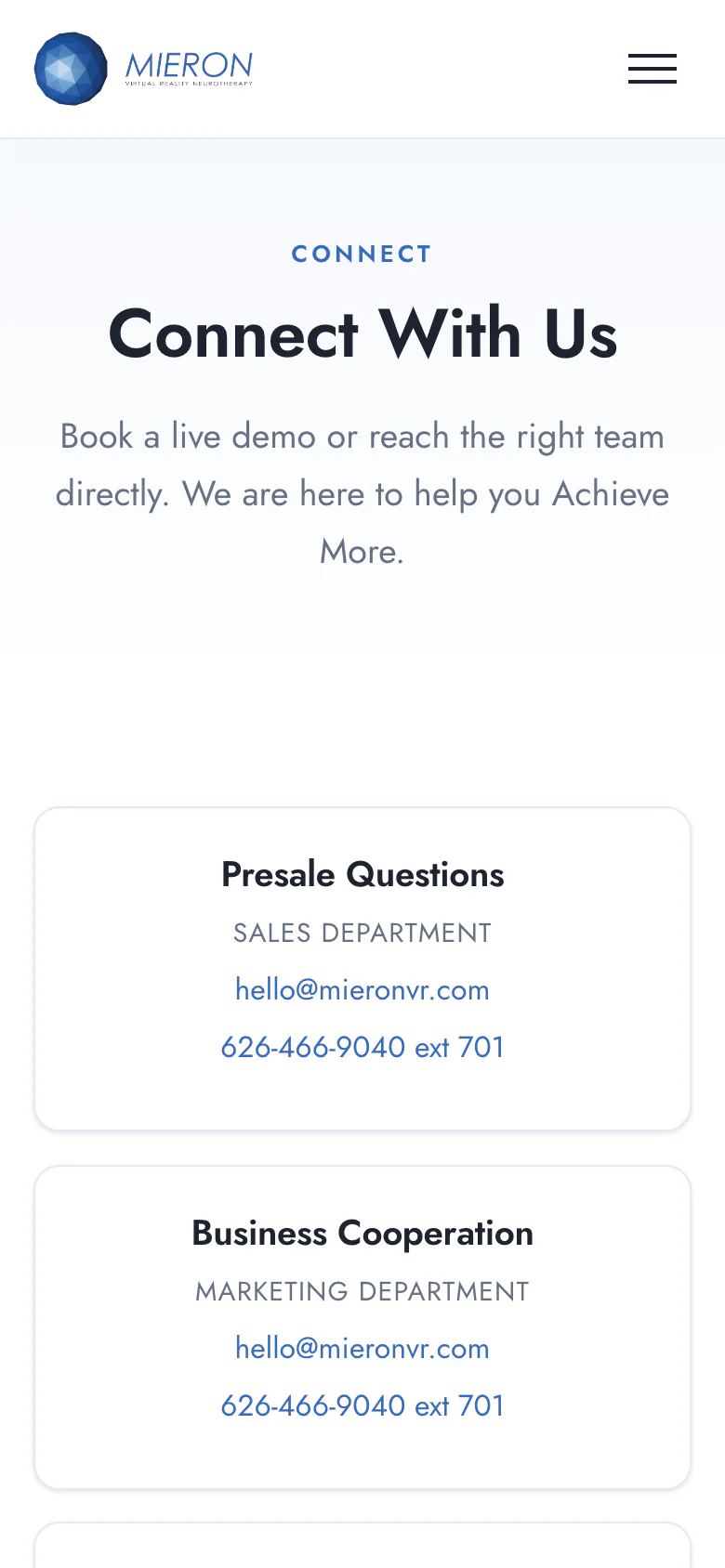
Easy to reach on a phone
On a phone, the headline comes first, with See a Demo and Get the Whitepapers buttons right under it.
The Connect page lists sales, marketing and support with an email and phone number for each, plus the office address.
How we run it now
Looked after, so the team can focus on their work.
We look after the site from day to day. Here is what that covers:
Care and monitoring
We look after the site and watch that it stays up.
A monthly report
Each month we report on how the site is doing.
A clear way in
Book a Demo sits in the menu and at the foot of every page.
What it means for the business
A site that explains the product before the first call.
Visitors arrive knowing more
What it is, who it is for and which version fits, before they ask.
Products side by side
Each product line shows its key features and has its own demo button.
Every page leads to a demo
The next step is always in the same place.
Your turn